
Technológia / KKV
Microsoft Publisher ending: how to save .pub files
Microsoft will discontinue the Publisher desktop publishing app in October 2026. According to information published on the company’s support site, Microsoft 365 subscribers will no longer be able to open .pub files in it after 1 October. We summarise how to save older publications and which programs may work as replacements.
2026-10-05 · 5 min read
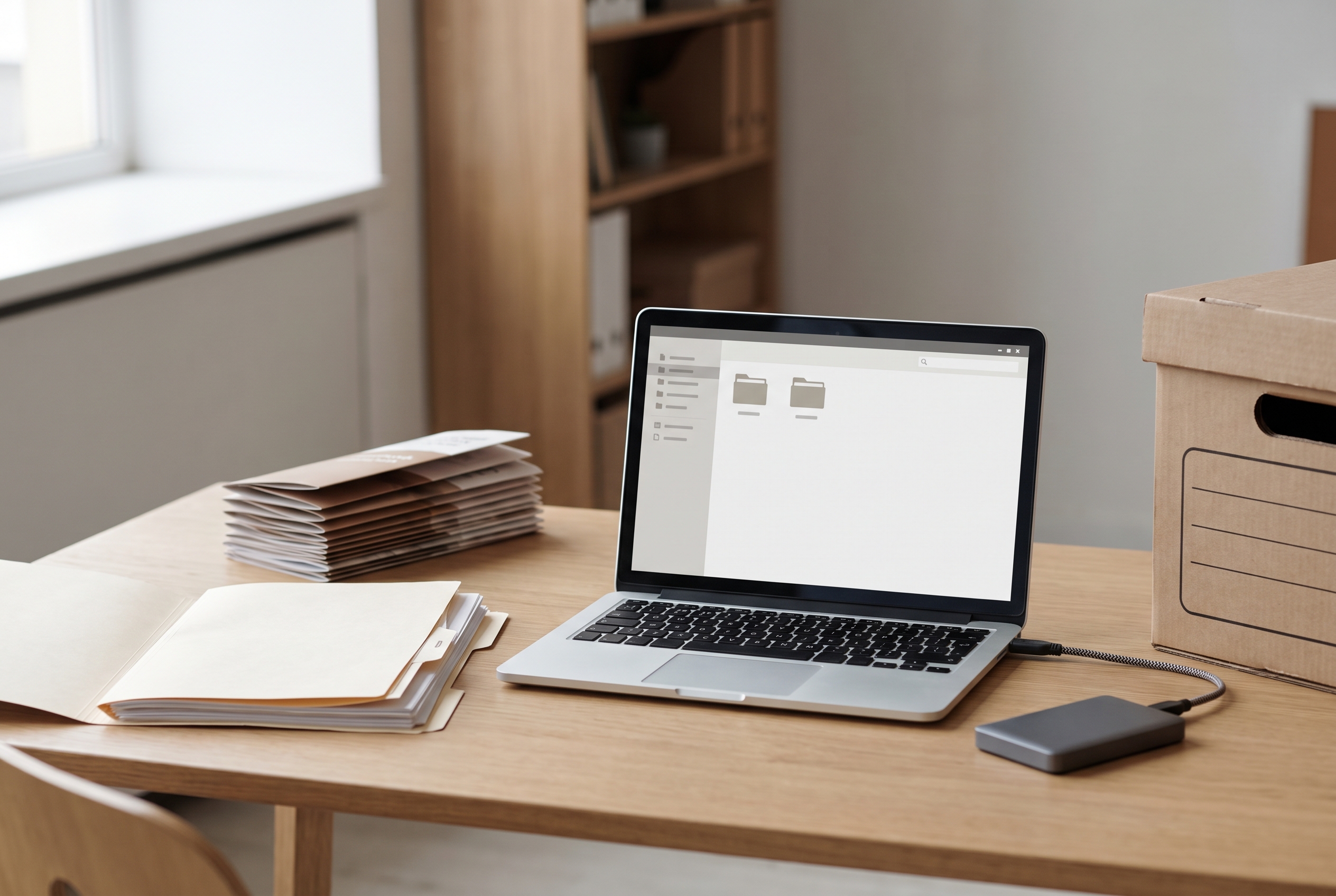
Leaflets, invitations, newsletters, community newspapers: in many offices and small businesses, these publications have been created in Microsoft Publisher for years. According to information published on Microsoft’s official support site, the company will discontinue the program in October 2026. According to HVG’s report, this will bring the software’s 35-year history to an end. Anyone storing important materials in .pub format should save them now, while they still have access to the original program.
When will it end, and who will it affect?
According to Microsoft’s official notice published on its support site under the title “Microsoft Publisher will no longer be supported after October 2026”, Publisher will reach the end of its lifecycle in October 2026 and be removed from the Microsoft 365 package. The same Microsoft notice also states that Microsoft 365 subscribers will no longer be able to open .pub files in Publisher after 1 October 2026.
The timetable is different for the perpetual licence version. According to a summary by software analysis site Univik, official support for Publisher 2021 ends on 13 October 2026. So while many people speak simply of an “October shutdown”, in practice what matters is which licence someone uses to run the program.
It is not worth relying on the possibility that, in a subscription environment, the program may remain on the machine and only some functions stop working. Anyone who can still access Publisher should not postpone saving their files.
What will happen to existing .pub files?
The files will not disappear. According to an analysis by desktop publishing software developer Markzware, .pub files will remain, but without suitable software they will no longer be possible to open.
.pub is Microsoft’s own closed format. According to Univik’s summary, compatibility with this format may be limited in third-party programs, so differences should be expected there. That is why it is advisable to carry out the conversion in the original Publisher while that is still possible.
First step: backup copy and reference PDF
Before converting anything, it is worth putting things in order. The WPS Office blog recommends creating a backup copy of the original files before any conversion, along with a reference PDF for each one so the converted version can later be compared against it.
- Gather the files: .pub files are often scattered across a personal computer, network drive, cloud storage or old email attachments.
- Create a copy: put the original .pub files into a separate folder, preferably also on external storage or in the cloud.
- Export a reference PDF: this will preserve how the original publication looked.
- Prioritise: it makes sense to save regularly used templates and still-active materials first, while archived publications can wait until the end.
Second step: PDF or Word – which is each one for?
Microsoft’s official notice published on its support site recommends converting documents into PDF or Word format. The two formats, however, serve different purposes, so it is worth choosing between them deliberately.
PDF preserves the publication’s appearance and is well suited to printing and archiving. Markzware’s analysis, however, warns that PDF export is not suitable if the text later needs meaningful editing. For finished materials that will no longer change, this is the right choice.
Word (.docx) is useful if the publication will need to be modified later, for example in the case of a price list or invitation updated every year. With more complex layouts, it is worth comparing the converted file with the reference PDF and, if necessary, manually adjusting images and text boxes.
It is worth bearing in mind: after conversion, fonts, line breaks and the placement of elements may shift, especially if the publication uses a typeface that is not installed on the other computer. That is why every important item should be checked page by page before it is sent to a printer or a client.
If Publisher is already gone: LibreOffice Draw
Those who can no longer access the program do not necessarily have to give up on their old files. The WPS Office blog mentions as an option that opening and editing .pub files can also be attempted with the free LibreOffice Draw. The result, however, depends heavily on the file: a simple leaflet is likely to remain usable, while a complex publication with many elements may require more follow-up work, or the conversion may not succeed properly at all.
Since, according to Univik’s summary, compatibility in third-party programs may be limited, publications opened this way may show differences in fonts, layout or the position of elements. Here too, the reference PDF helps: if there was time to create one, it quickly becomes clear what has shifted.
What can replace Publisher?
Saving old files is only half the task, as new publications will also need to be created in something else. According to a round-up by PCMag, the obvious alternatives include PowerPoint, Canva, Affinity and Adobe InDesign.
- PowerPoint: according to PCMag, when set to A4 page size it can be an effective office replacement. Its advantage is that many Microsoft 365 subscribers already have it, and its interface is familiar.
- Canva: a browser-based, template-driven tool that is convenient for quick, simpler publications and social media content.
- Affinity: offers more professional desktop publishing options for those who had outgrown Publisher.
- Adobe InDesign: one of the established tools for print and professional layout work, though for the occasional needs of a smaller office it may often be more than is necessary.
The choice mainly depends on how often publications are produced and to what standard. An office creating one leaflet a month needs a different tool from an association that regularly prepares work for print.
In short: what is worth doing now?
The most important thing is that the saving should be done in a still-working copy of Publisher. First, it is worth gathering and copying the files, then creating a reference PDF from each one. Materials still in use should be converted into Word format, while finished ones can simply be archived as PDFs. If the program is no longer available, LibreOffice Draw may offer a second chance, and for future publications it is worth choosing and testing the new tool in good time, before an urgent task arrives.
Sources used
- 1.A Microsoft Publisher 2026 októbere után már nem lesz támogatottsupport.microsoft.comverified
- 2.Say Goodbye to Microsoft Publisher: Try These Alternativespcmag.comverified
- 3.Microsoft Publisher End of Life 2026: Migrate PUB Filesmarkzware.comverified
- 4.Alternatives to Edit Microsoft Publisher Files After Discontinuationwps.comverified
- 5.Microsoft Publisher Alternatives 2026univik.comverified
These sources were used during our editorial fact check.