Tech
Self-Spreading AI Worms on Smart TVs: Stay Safer
An experiment suggests that small artificial intelligence models can run on smart TV devices and, under the right conditions, be used to spread. This does not mean AI worms are already roaming home networks, but weak passwords, missed updates and interconnected devices pose a real risk.
2026-10-24 · 5 min read
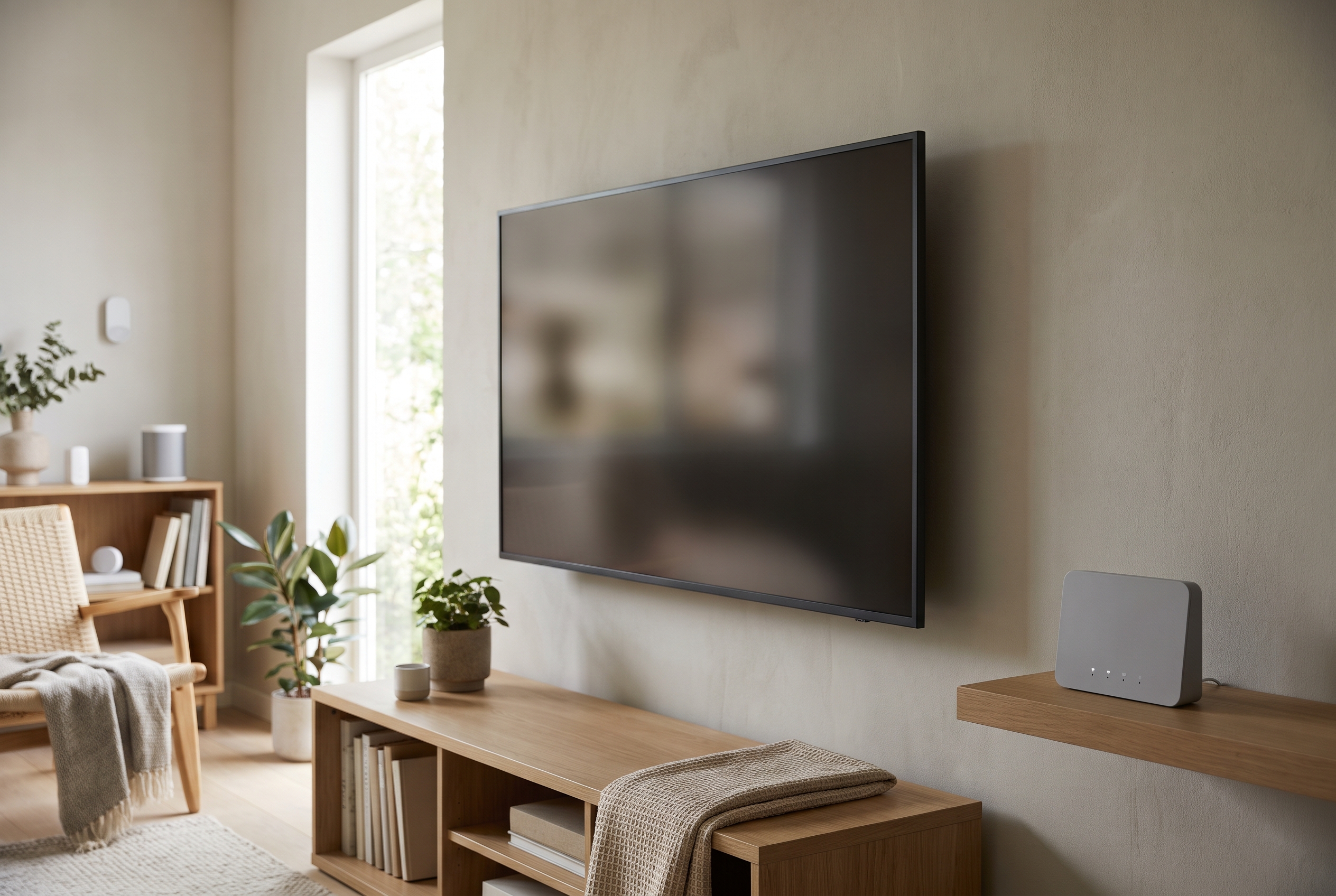
A smart TV, streaming device, camera and other internet-connected household equipment may share the same home network as a computer and phone. A vulnerable smart device may therefore pose more than a risk in itself: it can also give an attacker a starting point for further reconnaissance of the network.
Anthropic’s research examined how small artificial intelligence models could operate on devices with limited processing power and how this might be combined with the principle behind self-spreading malware. The main practical lesson is not to panic, but to keep smart devices separate from computers that handle sensitive data.
What is an AI worm?
A conventional computer worm is malware that attempts to spread from one device to another without human involvement. The term ‘AI worm’ refers to a possible variant that could carry or download an artificial intelligence model, or use one to map its environment and adapt how it operates.
According to Anthropic’s research report, the model weights can be transmitted as part of the malicious payload or downloaded later. The researchers also examined how such a system could operate in a distributed way across compromised internet-connected devices without a permanent central command-and-control server.
This deserves attention because the limited computing capacity of a smart TV media player or another IoT device may be insufficient for a larger model on its own. However, combining the resources of several devices could give an attacker other options.
The experiment is not the same as a real attack
It is important to distinguish the results from claims that such malware is already spreading freely across residential networks. According to Anthropic’s report, the researchers were able to run inference for a nine-billion-parameter model on eight of the nine hardware types tested, while a 26-billion-parameter model was run in a distributed configuration across 15 physically separate Android TV boxes.
However, Stingrai’s technical analysis says these were two separate experiments. Distributed model execution was demonstrated on physical TV boxes, while self-propagation was tested on eight isolated Android emulators deliberately configured without authentication.
Based on the analysis, it would therefore be unjustified to claim that the demonstrated system could infect an average home network from end to end without modification. Instead, the research highlights a possible attack vector: inexpensive smart devices that are often rarely checked could eventually be used to build a distributed computing network.
Separating devices is the most important step
One basic principle of home protection is that a smart TV, streaming box, camera and other IoT devices should not necessarily be on the same network as a computer used for work or banking. The CISA home network security guide recommends using a separate network for smart devices.
On a home router, a guest network generally offers the simplest way to do this. The setting provides meaningful separation when devices on the guest network cannot access equipment on the main network and, where possible, cannot communicate directly with one another either.
On more advanced networking equipment, the same result can be achieved with a separate virtual local area network, or VLAN. The exact menu options and capabilities vary by manufacturer, so it is worth checking the router’s documentation to determine whether its ‘guest network’ provides genuine isolation or merely a separate network name.
Five settings worth checking
- Replace factory-default passwords: this is especially important for the router, camera, network-attached storage and every remotely managed smart device. A unique, long password is recommended for each service.
- Enable automatic updates: if the device supports this option, security patches are less likely to be missed. The system software of both the router and smart devices should also be checked separately.
- Put IoT devices on the guest network: it is advisable to separate the TV, streaming device, smart light and camera from phones, computers and network drives.
- Disable unnecessary services: if remote access, automatic port forwarding, voice control or another network feature is not needed, disabling it can reduce the attack surface.
- Review older devices: equipment that is no longer supported may not receive security patches. It may be appropriate to disconnect such a device from the internet or replace it.
The CISA guide also lists changing factory-default credentials and keeping systems up to date among the key steps for home security. These measures are useful not only against AI-based attacks, but can also reduce the risk posed by conventional malware and automated intrusion attempts already known today.
What should you check on a smart TV?
A smart TV interface often displays little security information, so a significant part of its protection is managed through the router and user accounts. First, it is advisable to review the TV’s system updates, installed applications and their associated permissions.
It is worth removing unused applications, signing out of accounts that are no longer needed and disabling connectivity options that are unnecessary. If the TV has a separate camera or microphone, their privacy and access settings should also be checked.
Unknown applications appearing on a device, unexpected restarts, slower performance or unusual network activity may give cause for suspicion. These signs do not prove an infection by themselves, but they may justify disconnecting the device and contacting the manufacturer’s support service.
The router is at least as important as the TV
The router is the hub of the home network, so configuring individual smart devices is not enough unless the router itself is protected. The administrator password should not be the same as the Wi-Fi password, and if the device supports it, the management interface accessible from the internet should be disabled.
It is advisable to review the list of devices connected to the network from time to time. An unfamiliar name does not necessarily mean an intruder is present, as smart devices often appear under labels that are difficult to identify, but every entry should be matched to a known device in the household.
If the router no longer receives updates, replacing it may be more important for security than buying another smart feature. When purchasing one, it is therefore worth considering not only speed but also the manufacturer’s update practices, guest network capabilities and the expected duration of support.
If you notice suspicious behaviour
If an infection is suspected, it is advisable to disconnect the affected device from the network and then check the manufacturer’s official support website. Restarting may stop some processes that run only in memory, but it does not guarantee the removal of malware.
Before performing a factory reset, it is important to bear in mind that all local settings and saved accounts may be lost. Afterwards, the device should be set up again with the latest available system software, a new password and, where possible, on an isolated network.
If the same password was used for another service, it must also be changed there. If financial, workplace or personal data may have been affected, help from an IT security specialist may also be necessary.
Good cyber hygiene already provides protection
Research into self-spreading AI worms presents a possible future attack method, not evidence of a current, widespread smart TV infection. However, the experiment does show that the computing and network resources of neglected IoT devices could be used in new ways.
The most important steps do not require specialist cybersecurity knowledge: unique passwords, regular updates, disabling unnecessary functions and placing smart devices on a separate guest network can significantly improve home network protection. The aim is not to eliminate every risk, but to prevent a single poorly protected device from becoming a digital entry point to the entire household.
Sources used
- 1.Anthropic Research Bloganthropic.comverified
- 2.Home Network Security Guidancecisa.govverified
- 3.Anthropic AI Worm Research Analysisstingrai.ioverified
- 4.Best Practices for Securing Your Home Networkmedia.defense.gov
- 5.Anthropic Warns Small AI Models Could Spreadthehackernews.com
- 6.How to Secure Smart Home Devicesbellatorcyber.com
- 7.Secure Your Home Networkstaysafeonline.org
These sources were used during our editorial fact check.